





Price: $32.99
(as of Sep 12, 2026 12:08:51 UTC – Details)
Product description
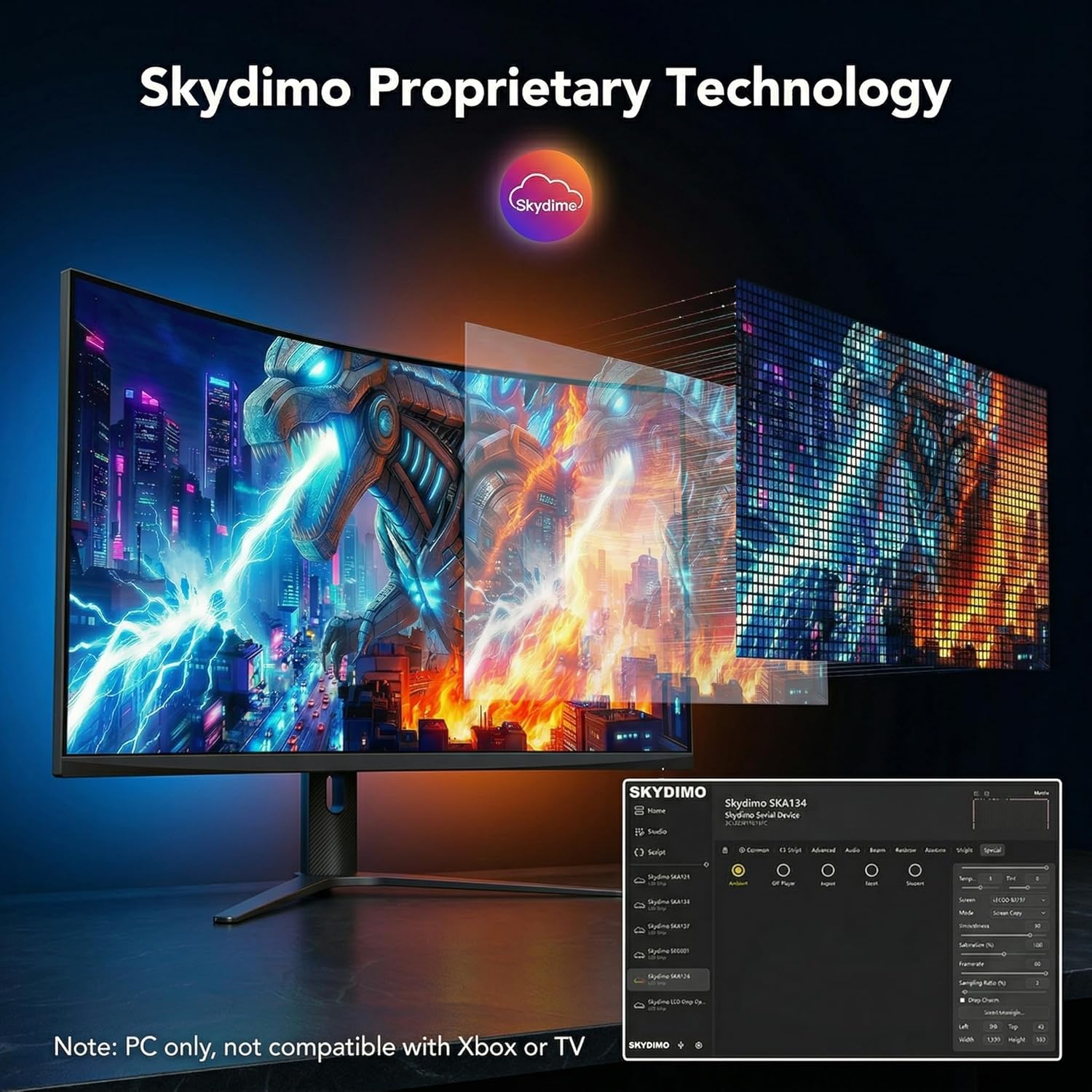
PC only, not compatible with Xbox or TV 
The video showcases the product in use.The video guides you through product setup.The video compares multiple products.The video shows the product being unpacked. Skydimo RGBIC led strip lights display
This product is a computer monitor backlight designed to enhance visual ambience. Certain lighting modes may include dynamic or changing light effects. If you are sensitive to flashing lights or have experienced discomfort with similar lighting conditions, please carefully consider this before purchasing. For optimal comfort, use in a well-lit environment and avoid prolonged use of dynamic lighting modes. Discontinue use immediately if any discomfort occurs.
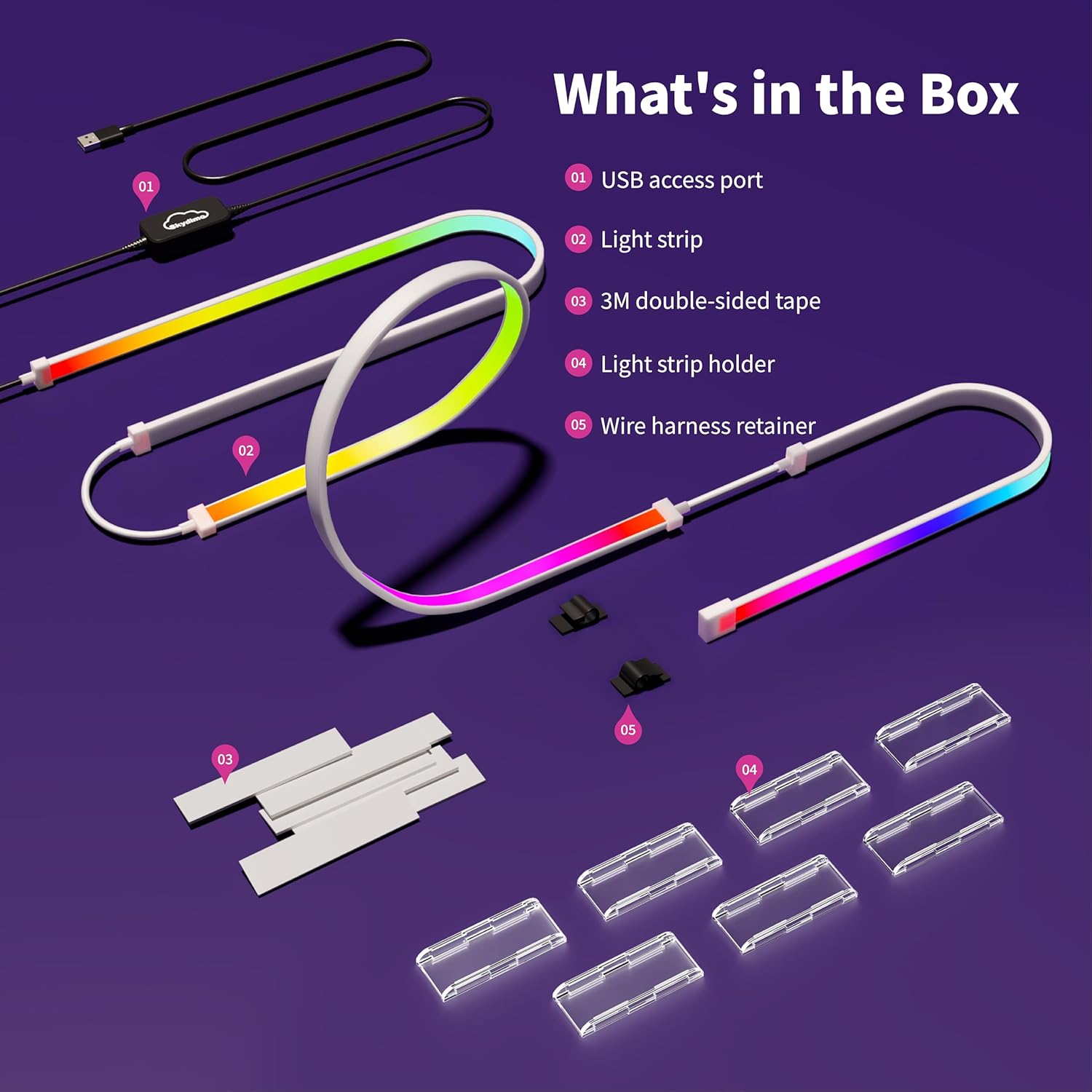
 Product Accessories
Please check whether all accessories are included:
1.Led strip light*1
2.3M double sided tape*7
3.Light strip holder*7
4.Wire hamess retainer*3
 Testing before installation
Test by inserting the light strip into your computer host—it should cycle red, green, and blue. If the lights appear, the product is working normally.
 Installation(1)
Clean the area with a cloth, apply 3M tape to the clips, then position them securely on the back of your computer.
 Installation(2)
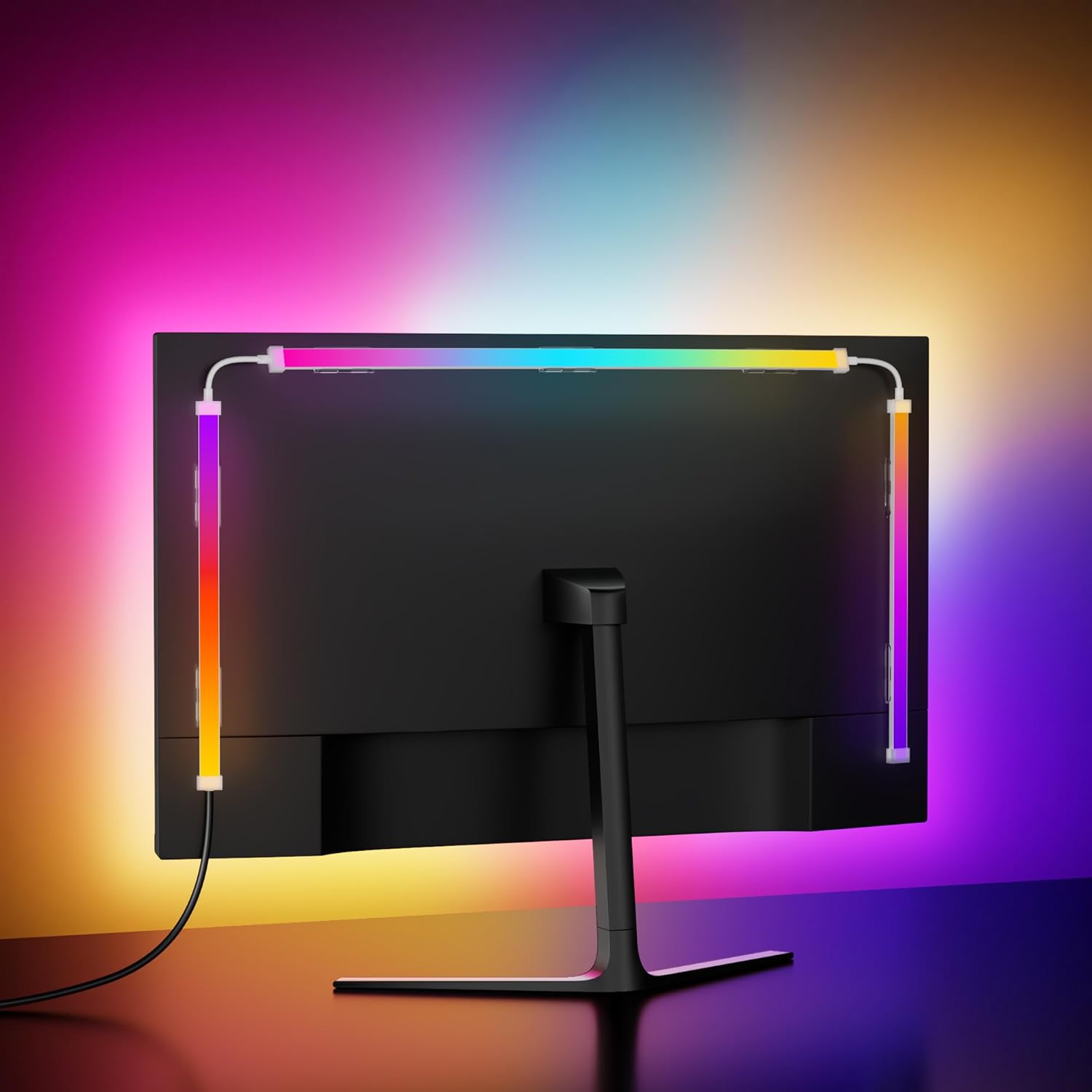
Snap the light strip into the clips on your computer, then connect the USB
cable to your computer host.


1 Sync with Screen
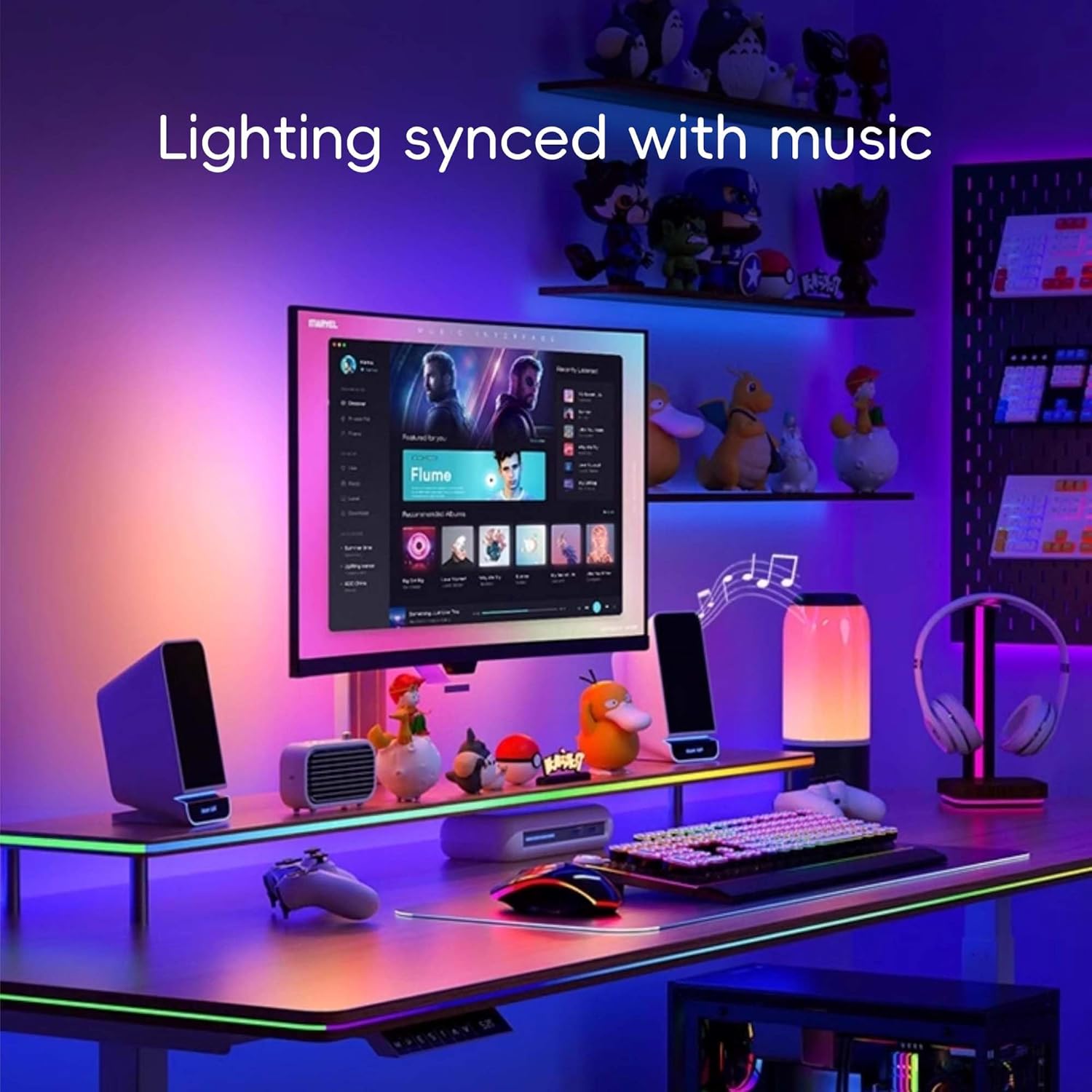
2 Sync with Music
3 Colorful Mode
4 Single Color Mode
What should I do first when I receive the product?
When you receive the product, first check all accessories. Then test by inserting the light strip into your computer host—it should cycle red, green, and blue. If the lights appear, the product is working normally.
Does the software currently support macOS?
Yes—it does. You can download the macOS installer package from our official website.
What should I do if the device isn’t recognized after insertion?
Make sure the LED strip is plugged into a fully powered USB 3.0 port, verify the strip appears in the Skydimo application, and update any related drivers.
What if the lighting device doesn’t appear in the software?
Open Device Manager and check under “Ports (COM & LPT)” for a CH340 device. If you don’t see it, update your USB interface driver.
Why can’t the device pick up the content of the screen when watching some streaming media? (eg: Netflix; Disney+, etc.)?
Certain streaming services enforce copyright protection (e.g., Netflix, Max, IMDb, Disney+, Prime Video, Hulu, Crunchyroll, etc.). While playing such content, PC applications are unable to directly capture the screen output in real time.
Skydimo RGBIC Led Strip Lights
Add to Cart
Add to Cart
Add to Cart
Add to Cart
Customer Reviews
3.6 out of 5 stars 4
3.9 out of 5 stars 24
3.8 out of 5 stars 9
4.4 out of 5 stars 6
Price
$29.99$29.99
$30.99$30.99
$32.99$32.99
$34.99$34.99
LED QUANTITY(pcs)
54
65
77
71
Operating voltage(V)
5
5
5
5
Total Power(W)
11.5
12.2
17.5
16
Upper length(cm)
44
53
63
70
Side length(cm)
24
29
35
26
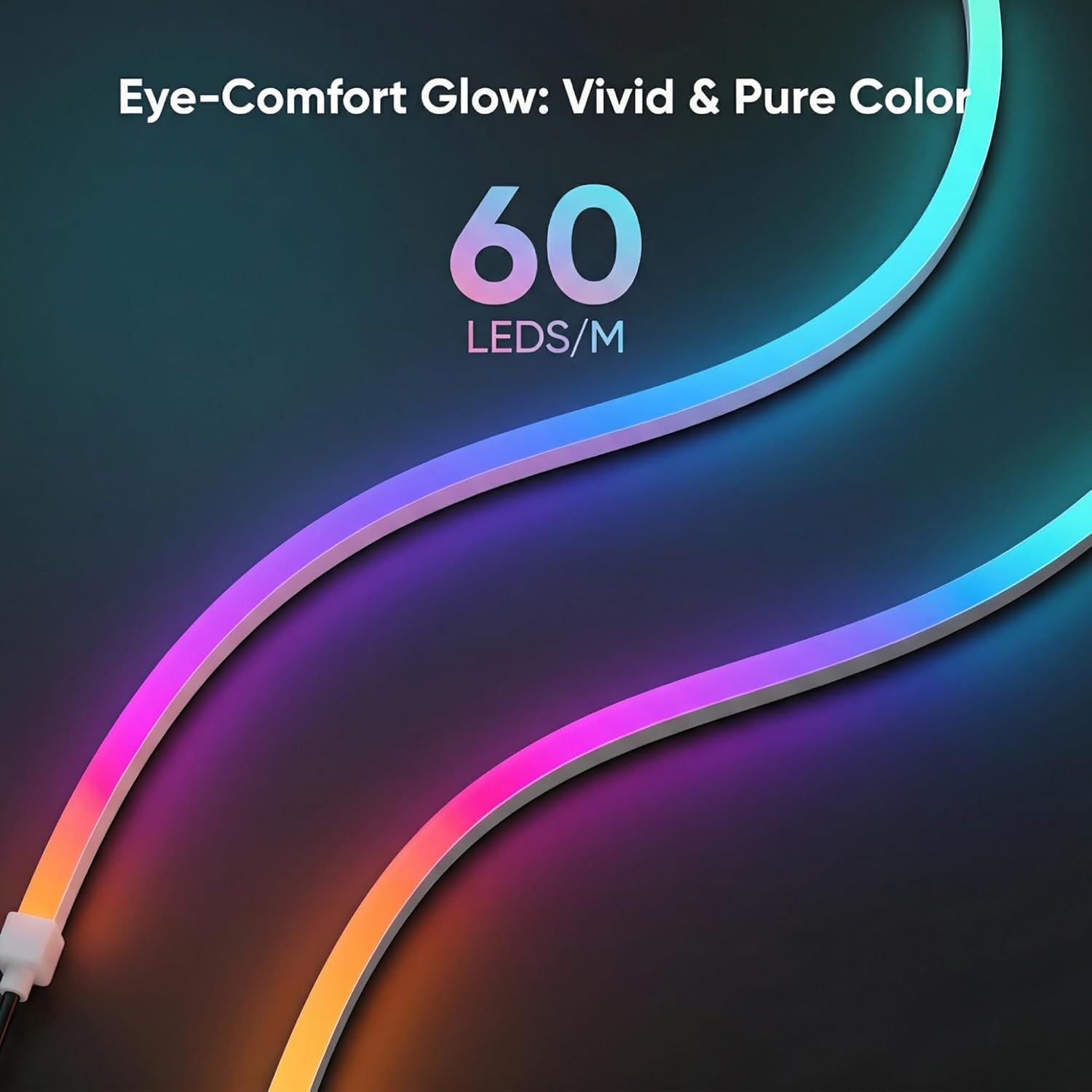
Enhanced ARGB Lighting:High-density LED gaming beads ensure even light distribution, creating refined lighting effects that accentuate in-game elements, such as explosions and movement
Integrated Ambiance:With Skydimo software, you can sync lighting effects across all Skydimo products, delivering a comprehensive and immersive lighting experience throughout your setup
Triple-Sided Color Matching:The gaming light strip is perfectly sized for a 32-inch display, capturing color changes across the screen to create a full-spectrum lighting effect that elevates your visual experience
Personalized Settings via Software:Choose from five dynamic modes—Screen Sync, Rainbow, Monochrome, Music, and Marquee—to tailor the lighting to different moods and scenes, enhancing focus and adding depth to your gaming environment
Easy Setup & Use:Simply attach the light strip to the back of your PC, connect it via USB to your computer, and launch the Skydimo software to enable screen color synchronization with ease
Skydimo Proprietary Technology:Utilizing Skydimo’s innovative color capture technology, the lighting seamlessly syncs with your screen for a truly immersive experience


